Remo reads your Squarespace pages and rebuilds them with your material. The domain, if Squarespace sold it, stays there; two records point it at the new site.
What comes with you
Your pages and photos
Your Google reviews
Your domain
Your email
The move, step by step
Paste your site's address; Remo reads every page.
Review and change the site in your own words.
Add the A and CNAME records in Squarespace's DNS settings (or at your registrar).
Downgrade or cancel the Squarespace site after the domain shows the new one.
DNS screens for Squarespace: account.squarespace.com/domains → your domain → DNS → DNS Settings → Custom Records · their help article · the full guide
AN EXAMPLE
Same identity. New presence.
A site of the house, rebuilt from its own pages, photos and reviews. Imagine yours.
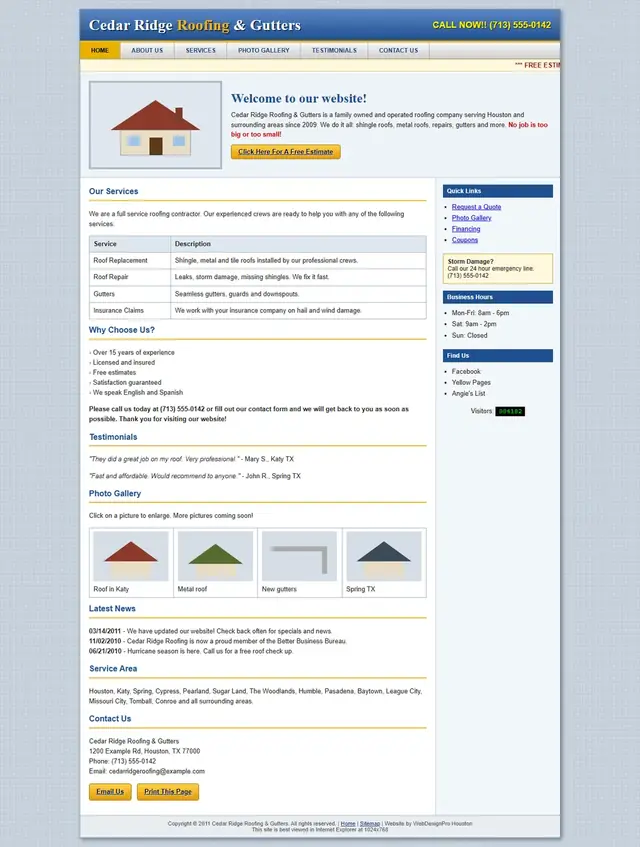
Before
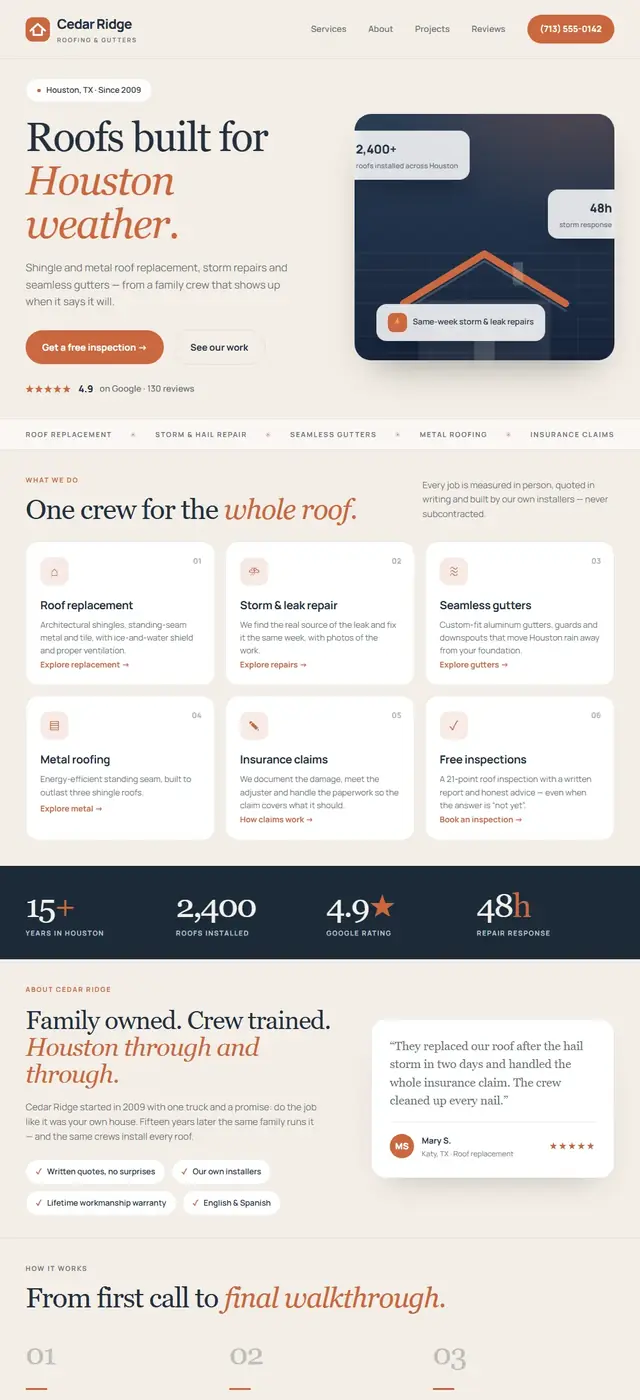
With Remo ✳
An illustrative example from the house's own sites. Your site keeps your name, your photos and your reviews.
Questions about leaving Squarespace
My domain is registered with Squarespace. Is that a problem?+
No. Squarespace domains have their own DNS screen; the guide shows it.
Will the blog come over?+
Pages Remo can read come over; a long blog is listed so you choose what to keep.
See your site rebuilt before you leave Squarespace.
Free preview. No card, no call. One email when it's ready.