MOVING FROM WORDPRESS
Moving from WordPress
No plugins to update, no theme to patch. Remo rebuilds your WordPress site as plain pages you host with Remo or upload to your own host.

What comes with you
- Your pages and posts Remo reads
- Your photos
- Your Google reviews
- Your domain and hosting if you want them
The move, step by step
- Paste your site's address; Remo reads every page.
- Review and change the site in your own words.
- Host with Remo (two DNS records) or download the files and upload them to your current host; the upload guide backs up the old files first.
- Keep the old files in a folder until you are sure; the guide shows how.
DNS screens for WordPress.com: my.wordpress.com/domains → your domain → Settings → DNS records · their help article · the full guide
AN EXAMPLE
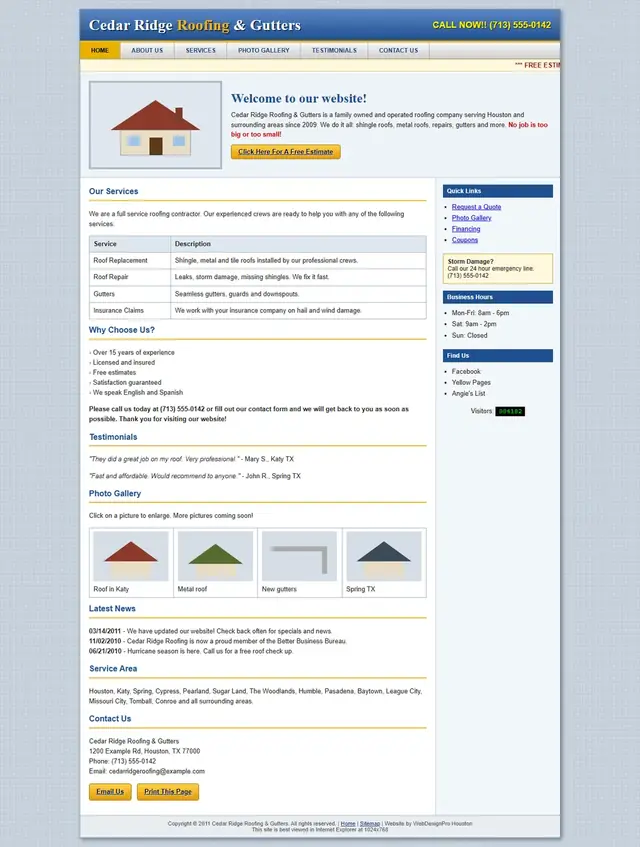
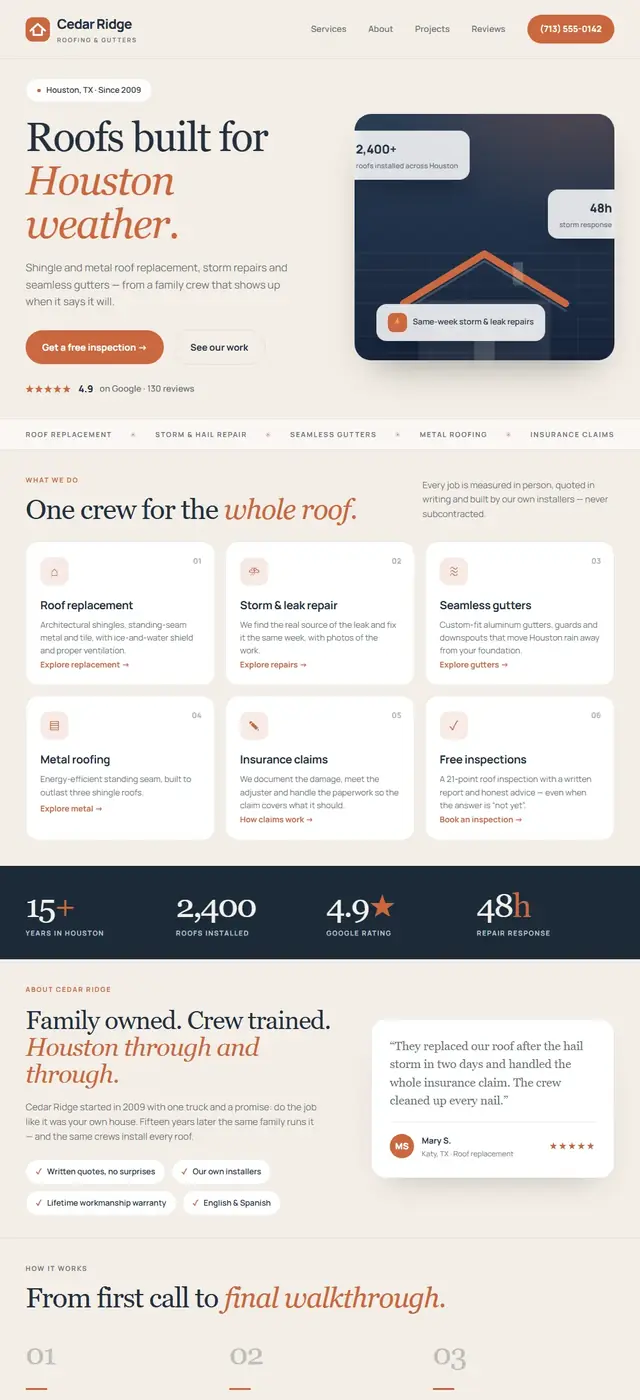
Same identity. New presence.
A site of the house, rebuilt from its own pages, photos and reviews. Imagine yours.
Before

With Remo ✳

Questions about leaving WordPress
Does the contact form keep working?
Yes; the form in the new site sends to your inbox through Remo, on any host.
What about my old index.php?
The upload guide moves it out of the web folder so the new index.html wins; reversible.
See your site rebuilt before you leave WordPress.
Free preview. No card, no call. One email when it's ready.
Show me my new siteAlso moving from: Wix · GoDaddy Website Builder · Squarespace · Weebly